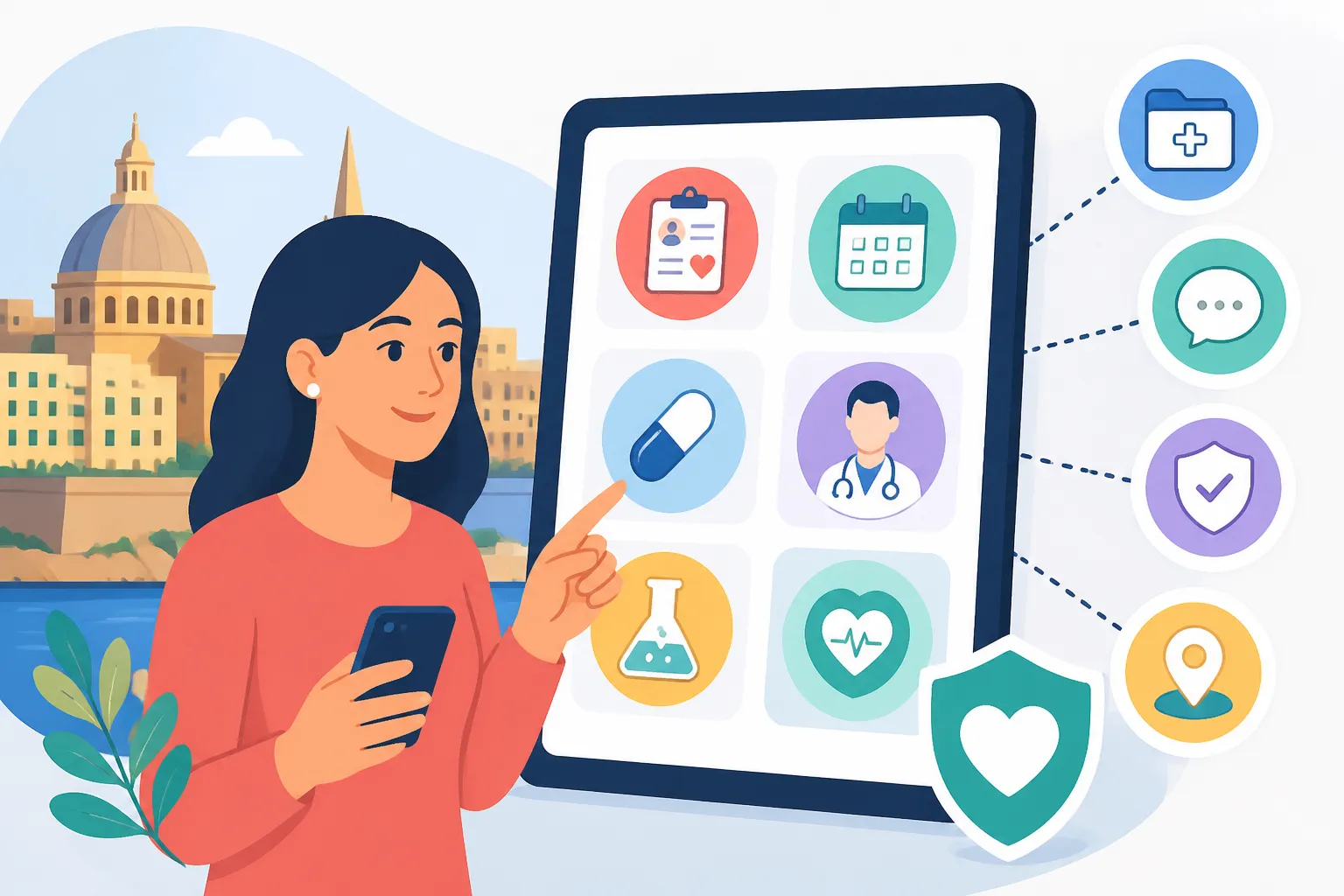
What Can I Do on Malta’s myHealth Online Service?
Trying to navigate the Maltese medical system can feel like deciphering a cryptic code while stuck in a mid-August traffic jam in Msida. I remember the anxiety of waiting weeks for a physical letter to find out if my iron levels were finally back to normal after a visit to Mater Dei. This guide solves that frustration by detailing how to use the myHealth portal to take control of your records.
The Digital Gateway to Maltese Healthcare
For many of us who moved to the islands from countries with highly digitized systems, the initial "paper-heavy" feel of Malta’s public administration can be a bit of a culture shock. However, the myHealth portal is the one shining light in the local e-government landscape. It is an online platform that connects you, your doctor, and the public health database. Once you are set up, you no longer have to wonder if your test results have reached your GP or if you missed a specialist appointment.
When you first arrive, there is often a "grey zone" where you are paying social security but don't yet have your digital credentials. During this period, it is wise to have a reliable backup. Using a flexible plan like SafetyWing can be a lifesaver while you wait for the local bureaucracy to catch up with your residency status. It provides that necessary cushion so you aren't left in the dark before your eID is fully functional.
The portal is designed to give you a "patient-centric" view. This means you are seeing exactly what the consultants at the hospital see. It covers everything from your historical laboratory results to your current pharmacy entitlements. If you are someone managing a chronic condition or if you have children, this tool isn't just a "nice-to-have"—it is essential for survival in the local system.
Navigating the eID Labyrinth
You cannot simply "sign up" for myHealth with an email and password. This is a common point of confusion for new arrivals. The portal is strictly tied to your Maltese electronic identity, known as the eID. Without this, the door remains firmly locked.
First, you must go through the process of Getting Your Maltese ID Card Number: The Key to Accessing Healthcare. Once you have that physical card in your hand, you still need to activate your eID account through the Identità agency. This usually involves a visit to their office in Msida or Valletta to receive your temporary password. I know, it feels like an extra step, but once it’s done, you have the keys to almost every government service in Malta, including the health portal.
If you are a digital nomad or a remote worker just testing the waters in St. Julian's, you might not have an eID yet. In these instances, navigating the public system can be nearly impossible. This is why many expats rely on SafetyWing for the first few months. It allows you to visit private clinics where you don't need a government digital ID to get treated or see your results, bypassing the portal requirement entirely until your residency is formalized.
Tracking Your Medical History and Lab Results
One of the most powerful features of the myHealth service is the ability to view your lab results. In the old days, you’d have your blood drawn at a local health centre and then… you’d wait. You’d hope your doctor called you if something was wrong, but "no news is good news" was the frustrating mantra.
Through the portal, you can see the specific details of Can I See My Test Results Online in Malta? almost as soon as they are validated by the lab at Mater Dei. This includes:
- Full blood counts and biochemistry.
- Hormone levels and specialized screenings.
- Urine and microbiology reports.
- COVID-19 and other infectious disease test histories.
The portal also keeps a record of your imaging reports. While you won't see the actual X-ray or MRI image (the files are too large for the patient view), you can read the radiologist's formal report. Having these reports in digital format is incredibly helpful if you ever need to seek a second opinion privately or back in your home country. You can simply download the PDF and email it to your specialist.
Managing Your Appointments and Specialist Referrals
If you have ever tried to call Mater Dei to confirm an appointment, you know that the phone lines can be quite busy. The myHealth portal eliminates this stress by providing a clear calendar of your upcoming hospital visits. It also shows you the status of any referrals made by your GP.
Understanding How the Specialist Referral System Works in Malta's Public Hospitals is key to using this feature. When a health centre doctor "tags" you for a specialist, that referral appears in your portal. You can see which department it went to—be it Orthopaedics, Cardiology, or Dermatology—and whether the appointment has been scheduled yet.
I’ve found this particularly useful for tracking "lost" referrals. Sometimes, things get caught in the administrative gears. If you see a referral sitting in the portal for months with no appointment date, it’s a clear signal that you need to follow up. Conversely, if you decide the wait is too long, you can take the information from the portal to a private hospital like St. James or DaVinci. Using SafetyWing can often cover these private visits if they fall under the terms of your policy, allowing you to sidestep the public waiting list while still having your official records on hand.
Pharmacy Entitlements and the POYC Scheme
For those of us living in Malta long-term, the cost of daily medication can add up. The Maltese government offers free medicine for certain chronic conditions through the "Pharmacy of Your Choice" (POYC) scheme. The myHealth portal is where you can check exactly what you are entitled to.
By logging in, you can see if you are registered for The POYC Pharmacy of Your Choice Scheme: How to Collect Free Medicines. It lists the specific drugs the government has approved for you and which local pharmacy you are linked to. This prevents those awkward moments at the pharmacy counter where the pharmacist tells you that your "permit" has expired.
You can also see your history of "Pink Card" or "Yellow Card" entitlements. If you are wondering What Is the Schedule V (Pink Card) Scheme in Malta, the portal provides a breakdown of your eligibility based on the medical conditions recorded in the system. It’s a level of transparency that really helps when you’re trying to budget your monthly expenses in an increasingly expensive Mediterranean market.
Linking with Your Family Doctor
This is perhaps the most "veteran" tip I can give you: myHealth allows you to "link" with a specific doctor. This can be a GP from a public health centre or even a private family doctor, provided they are registered with the myHealth system.
When you link with a doctor, they gain the ability to view your public hospital records and lab results directly from their own office. This is a game-changer. Imagine visiting your local GP in Naxxar; instead of you trying to remember exactly what the consultant said at Mater Dei, the GP can just pull up your records on their screen.
This creates a seamless bridge between Registering with a Health Centre and Choosing a GP in Malta and the specialized care you receive at the main hospitals. It ensures that your primary caregiver has the full picture of your health, reducing the risk of conflicting prescriptions or redundant tests.
| Feature | What You Can Do | Why It Matters for Expats |
|---|---|---|
| Lab Results | View and download PDF blood/microbiology reports. | No more waiting for letters; easy to share with foreign doctors. |
| Imaging Reports | Read radiologist summaries of X-rays, CTs, and MRIs. | Confirms exactly what the specialists found during scans. |
| Appointments | See dates, times, and locations for hospital visits. | Avoids missed appointments due to unreliable postal mail. |
| Referrals | Track the status of GP-to-Specialist requests. | Helps you decide when to go private to save time. |
| Pharmacy | Check POYC entitlements and medicine lists. | Ensures you never run out of free chronic medication. |
| Vaccinations | View your history of state-administered vaccines. | Essential for school registrations or travel records. |
Managing Your Family’s Health Records
If you have moved to Malta with children, the myHealth portal becomes even more vital. Parents can link their children’s profiles to their own eID account. This allows you to monitor The National Immunisation Schedule for Children in Malta and see which jabs your little ones have already received.
I remember the stress of trying to find my daughter's paper vaccination book when we were enrolling her in a local school. Having that record available 24/7 on my phone via the portal saved us hours of digging through moving boxes. You can see every dose of the MMR or Polio vaccine administered at the Well Baby Clinics.
Furthermore, if your child needs to visit What to Expect as a Patient at Mater Dei Hospital, you can track their recovery and follow-up appointments just as easily as your own. The system keeps the family unit together digitally, which is a massive relief when you’re dealing with the usual childhood fevers and scrapes in a foreign country.
Troubleshooting and Limitations of the Portal
While the myHealth portal is excellent, it isn't perfect. One major limitation is that it only shows records from the public health system. If you go to a private clinic in Sliema for a blood test and pay out of pocket, those results will not appear in myHealth. You will still receive those via email or a separate private portal.
There is also a "validation delay." Sometimes a result is ready, but a consultant hasn't "released" it to the patient portal yet. If you are in a rush and the portal is lagging, this is another scenario where having SafetyWing is beneficial. It gives you the freedom to choose private providers who might offer faster digital turnarounds during urgent situations.
Finally, the portal can sometimes be down for maintenance, usually late at night. If you can’t log in, don't panic—it’s likely just a system update. Also, remember that the "Messages" feature within the portal is a one-way street in many cases; you can receive notifications from the department, but you usually can't "chat" with your consultant there. You still need to use the traditional Booking Appointments and Using myHealth Online in Malta methods for direct communication.
Practical Steps to Get Started Today
If you have your eID, here is how you should proceed to make the most of this service. First, log in and check the "My Profile" section. Ensure your contact details and your mobile number are correct, as the system uses these for SMS appointment reminders.
Next, go to the "My Doctors" tab and search for your regular GP. Even if they are a private doctor, many in Malta are now registered to use this system. Send them a "link request." Once they accept, they can see your hospital history, which makes your next check-up much more efficient.
Lastly, take a look at your "Case Summary." This gives you a bird’s eye view of your entire history with the Maltese public health system. It’s a great way to verify that your records are accurate and that all your past procedures are correctly logged. In a country where things can sometimes move slowly, being your own digital advocate is the best way to ensure you get the care you deserve.
Disclaimer
The information provided in this guide is for educational and informational purposes only and does not constitute professional medical or legal advice. While every effort is made to ensure the accuracy of the details regarding Maltese health services, regulations and digital portal features may change. Always consult with the official Department of Health or Identità for the most current requirements and seek professional medical advice for any health concerns.