Booking Appointments and Using myHealth Online in Malta
Navigating the administrative maze of Maltese healthcare often feels like deciphering an ancient script while standing in a humid queue. When I first arrived, I spent weeks trying to figure out how to see a specialist without losing a whole day to waiting rooms. This guide explains how to master the myHealth portal to book appointments and access records digitally.
Understanding the myHealth Portal in Malta
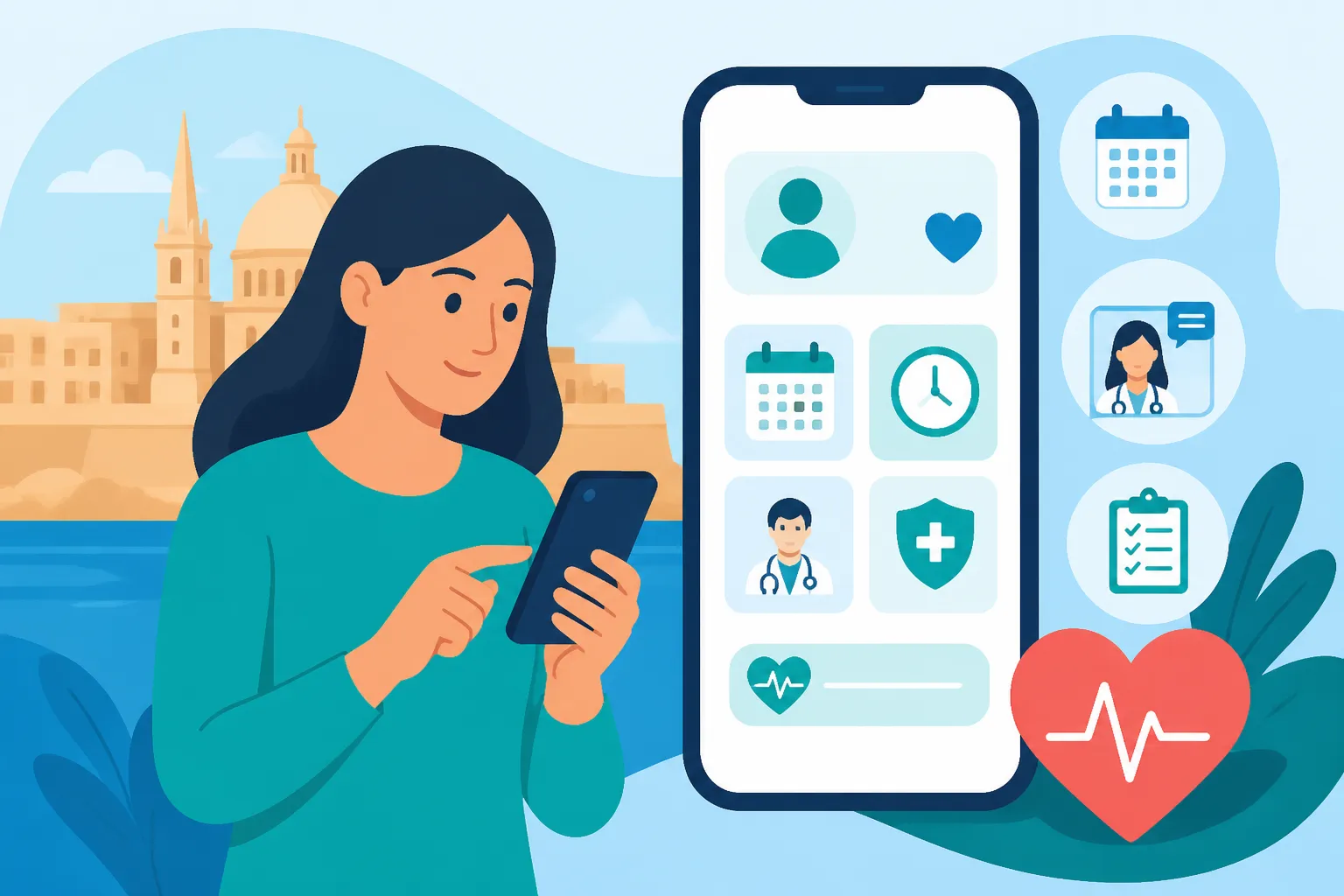
The myHealth portal is the cornerstone of Malta's digital health revolution, designed to bridge the gap between patients, their family doctors, and the sprawling public hospital system. For a long time, the Maltese healthcare experience involved carrying physical files and chasing down paper test results from Mater Dei Hospital. The introduction of this portal has shifted much of that weight into the digital sphere, allowing residents to manage their health journey from a laptop or smartphone.
What is the myHealth Portal
At its core, myHealth is an online platform provided by the Ministry for Health that gives you access to your public electronic health records. It is not just a static repository of information; it is an active tool for communication. Through the portal, you can view your laboratory results, radiology reports, and even your upcoming appointments at various public health entities. It essentially serves as a digital twin of your medical history within the state system.
The portal is designed for two main users: the patient and their chosen doctor. When you link with a doctor on the system, they gain the ability to view your records, which is incredibly useful for continuity of care. I remember the relief of not having to explain my entire medical history to a new GP because they could see my previous blood work and specialist notes right there on their screen. This interconnectedness is a major pillar of Healthcare in Malta for Foreign Residents: The Complete System Guide (2026.
Eligibility and Access Requirements
Accessing the myHealth portal isn't as simple as signing up with an email address. Because it contains sensitive medical data, the security requirements are stringent. To log in, you must have a valid Maltese eID. This is the electronic identity associated with your residence card. If you are a newcomer and haven't yet received your physical card or activated your eID account, you will find yourself locked out of this specific digital convenience for a while.
During that transition period when you are waiting for your residency documents, you might feel a bit vulnerable regarding healthcare access. This is often when expats look into temporary solutions like SafetyWing to ensure they have coverage before the state system fully recognizes them. Once your residency is sorted and you have your Getting Your Maltese ID Card Number: The Key to Accessing Healthcare, you can proceed to activate your eID at one of the Identità offices or online, which then unlocks the myHealth portal.
Why Expats Should Prioritize This Early
Many expats wait until they are actually sick to look into how the healthcare system works. This is a mistake. Registering for myHealth should be one of the first things you do after your eID is active. The portal allows you to see if the government has correctly filed your "entitlement" to free healthcare. If you log in and see no records or an "ineligible" status, it gives you time to visit the Entitlement Unit to fix the issue before an emergency arises.
Furthermore, the portal is the only way to track your "Pharmacy of Your Choice" (POYC) status digitally. If you have a chronic condition, knowing How the POYC Pharmacy of Your Choice Scheme: How to Collect Free Medicines works through the portal can save you countless trips to the health centre just to check if your permit is still valid. Setting this up early ensures that when you do need a doctor, the digital infrastructure is already working in your favor.
How to Register and Set Up Your myHealth Account
The setup process for myHealth is a multi-step journey that requires a bit of patience. It is deeply integrated with the central government identity system, which means any "glitch" in your residency status will likely manifest here first. I’ve spent my fair share of time on hold with the e-Government helpline, and the golden rule is always to ensure your eID credentials are fully functional before even attempting to touch the health portal.
The Importance of the Maltese eID
Your eID is your digital keys to the Kingdom of Malta. It consists of your ID card number (usually ending in 'L', 'M', 'G', or 'A') and a password you set during the activation process. You cannot bypass this. If you lose your eID password, you have to go through a recovery process that often involves receiving a code via the email address you used when you first applied for residency.
It is worth knowing that the eID is more than just a login; it is your legal digital signature. When you log into myHealth using these credentials, you are technically authenticating your identity to the state. This high level of security is why you can see such detailed information, like the specific notes a surgeon made after a procedure at Mater Dei and Beyond: A Guide to Malta's Public Hospitals and Health Centres. Without a functioning eID, the portal remains inaccessible.
Step-by-Step Registration Process
Once your eID is ready, visit the official myHealth website. You will be redirected to the central eID login page. After entering your credentials, you will be asked to provide an email address and a mobile number for notifications. This part is crucial: make sure you use an email you check regularly. The system sends alerts whenever a new laboratory result is uploaded or when an appointment is scheduled for you.
After the initial login, you will navigate through a dashboard that might look a bit dated but is functionally robust. You’ll need to accept the terms and conditions regarding data privacy. It is worth noting that while the interface is available in English, some medical notes from doctors might occasionally contain Maltese medical jargon, though most specialists write their reports in English to ensure clarity across the international medical community.
Linking with Your Family Doctor
One of the most powerful features of the portal is the "Link with Doctor" function. In Malta, the "Family Doctor" or GP is the gatekeeper of your health. By searching for your doctor in the portal’s database and requesting a link, you grant them permission to view your electronic records. The doctor then has to "accept" this link on their end.
This digital handshake means that if you go for a blood test at a public health centre, your private GP (if they are registered on myHealth) can see those results instantly. This saves you the trouble of going to the health centre to collect a printed copy and then carrying it to your private clinic. It is a vital part of Registering with a Health Centre and Choosing a GP in Malta and makes the transition between public and private care much smoother.
Navigating the Online Booking System
The ability to book appointments online has been a game-changer for avoiding the early morning scuffles at health centre receptions. While not every single type of medical visit can be booked via the portal, the most common ones are increasingly being integrated into the digital calendar.
Booking Appointments at Government Health Centres
The primary use for online booking is securing a slot with a GP or a nurse at one of the regional health centres, such as those in Mosta, Paola, or Floriana. Instead of waking up at 6:00 AM to be first in line, you can log in and see available slots for the coming days. Note that "Walk-in" services still exist for urgent but non-emergency issues, but for routine check-ups or follow-ups, the online system is far superior.
When booking, you can often select specific clinics, such as the Well-Baby clinic or the Diabetes clinic. The system will show you the available times, and once confirmed, you receive an SMS or email. This digital trail is very helpful if there is ever a dispute at the reception desk—just show them your confirmation. It’s also a good idea to check Which Health Centre Do I Go to After Moving to Malta? to ensure you are booking in the correct catchment area.
Managing Specialist Referrals and Mater Dei Appointments
For more complex issues, the process usually starts with a referral. If a GP at a health centre determines you need a specialist, they will issue a digital referral. This referral then appears in your myHealth portal. You can track the status of this referral—whether it’s "pending," "vetted," or "scheduled."
In the past, you would wait weeks for a brown envelope to arrive in the mail with your appointment date. Now, you can often see the appointment date in the portal before the letter even reaches your doorstep. If you are waiting for a consultation at the oncology department or a cardiac screening, being able to see that "Scheduled" status provides significant peace of mind. It also links back to the broader How the Specialist Referral System Works in Malta's Public Hospitals workflow.
Rescheduling and Cancellations Online
Life in Malta can be unpredictable, and sometimes you need to move an appointment. The portal allows for some degree of rescheduling, though this is often restricted for high-demand specialist slots. If the option to change the date online is greyed out, the portal will at least provide the specific telephone extension for the department you need to call.
Cancellations are even more important. The public system is under heavy pressure, and "No-shows" are a major problem. By cancelling an appointment you can't attend through the portal, you immediately free up that slot for another patient. It’s a small act of civic duty that helps the whole system run more efficiently. If you are using a private service through SafetyWing and decide to skip a public appointment, please take thirty seconds to cancel it online.
| Service Type | Available Online | Notes |
|---|---|---|
| GP Consultations | Yes | Limited to regional health centres |
| Nursing Services | Yes | For dressings, injections, etc. |
| Specialist Follow-ups | Partial | Usually view-only, rescheduling may require a call |
| Blood Tests | Yes | Requires a valid referral in the system |
| Dental Emergencies | No | Usually walk-in or phone-based |
Viewing Medical Records and Test Results
The true "magic" of myHealth for many expats is the ability to see exactly what is happening inside their bodies without waiting for a doctor to call. In many countries, test results are guarded like state secrets, but in Malta, the portal gives you direct access to the raw data and the doctor's interpretations.
Accessing Laboratory and Radiology Results
Whenever you have blood drawn at a public facility, the results are sent to the central lab at Mater Dei. Once they are verified, they are uploaded to your portal. You can view a history of your blood counts, cholesterol levels, and liver function tests, often with a "reference range" indicated so you can see if your results are within the normal limits.
Radiology is equally accessible. While you usually can't view the actual X-ray or MRI images (the files are too large for a standard web browser), you can read the radiologist's formal report. I’ve found this incredibly useful when seeking a second opinion from a private specialist. Instead of paying for a new scan, I can just show the private doctor the official report from the myHealth portal. This is a key part of Booking Appointments and Using myHealth Online in Malta.
The POYC Scheme and Digital Prescriptions
For those of us managing chronic conditions like asthma, hypertension, or diabetes, the Pharmacy of Your Choice (POYC) section of the portal is a lifesaver. It lists all the medications you are entitled to receive for free from the government. You can see the "entitlement" dates, which tell you when you need to see a specialist to renew your permit.
The portal also shows your "Schedule V" or "Pink Card" status. If you aren't seeing your regular medications listed, it might mean your permit has expired or was never correctly filed. Checking this before you run out of pills prevents a stressful emergency trip to the health centre. You can learn more about this in our guide on Which Medicines Are Free Under Malta's Entitlement Schemes?.
Tracking Immunizations and Case Summaries
The portal also keeps a record of vaccinations administered within the public system. This is particularly useful for parents who need to provide immunization records for school registrations or for expats who need to prove their vaccine status for travel. If you received a flu shot or a COVID-19 booster at a local clinic, it should appear here.
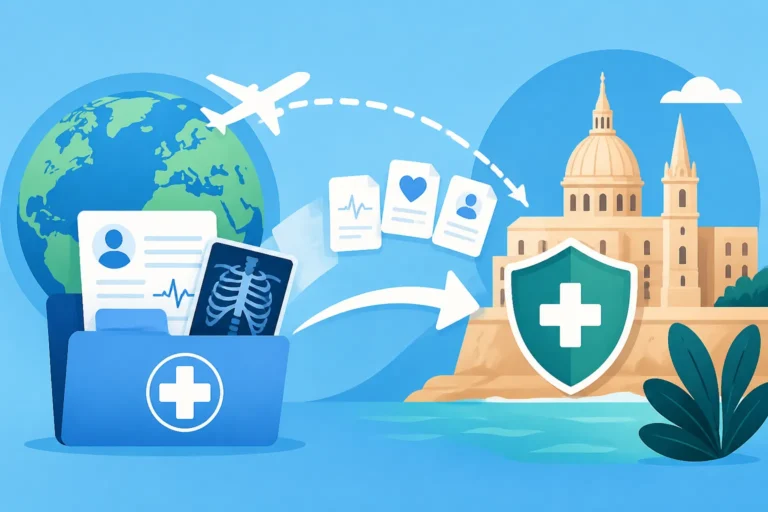
Case summaries are another vital feature. After being discharged from a stay at Mater Dei, a summary of your treatment, diagnosis, and recommended follow-up is uploaded. Having this digital copy is invaluable, especially if you ever need to seek medical care back in your home country or while traveling. It ensures that your medical history isn't "lost in translation" or stuck in a filing cabinet in Msida.
Maximizing Your Experience with Digital Health in Malta
While the myHealth portal is a powerful tool, it’s only one part of a broader health strategy. Living in Malta requires a bit of "system-savviness" to ensure you don't get caught in the cracks between public and private care.
Communicating with Your Linked Doctor
The portal allows for a level of digital communication with your linked GP that was previously impossible. Some doctors are very proactive and will "sign off" on your test results with a brief note like "Results normal, continue current meds." This saves you an office visit. However, don't expect all doctors to be this digital-forward.
It is also important to remember that the portal should not be used for emergency communication. If you are feeling sudden chest pains or have a high fever, don't send a message through myHealth; call 112 or visit the nearest health centre. The portal is for management, not for acute crisis intervention. For those moments, you should familiarize yourself with Emergency Medical Care in Malta: 112, A&E, and Urgent Help.
The Role of Private Insurance Alongside myHealth
Many expats choose to maintain private insurance even while using the public system. This "hybrid" approach is common. You might use the public system for routine blood tests (because they are free) and use your private insurance to see a specialist within 48 hours instead of waiting three months in the public queue.
This is where SafetyWing can be a great companion. It provides that extra layer of security, especially for those who travel frequently or are still navigating the permanent residency process. Having private coverage allows you to skip the long waiting lists for non-essential surgeries or specialized diagnostics while still keeping your public records updated via myHealth. For a deeper look at this, see Private Healthcare and Insurance in Malta: When You Need Cover.
Troubleshooting Common Portal Issues
The most common issue I hear from fellow expats is: "I logged in, but I don't see any records." This usually happens for one of three reasons. First, your eID might not be fully "linked" to your health records (this requires a visit to the Entitlement Unit). Second, you might be looking for results from a private hospital like St. James or DaVinci—private hospital data does not currently sync with the public myHealth portal.
Third, there might be a delay in data entry. While blood tests are usually up within 24-48 hours, complex specialist reports can take weeks to be typed and uploaded. If something is missing that you know should be there, the first step is to call the myHealth helpline or email their support desk. They are generally quite helpful and can often "force" a sync of your records if there is a technical hang-up.
Practical Tips for Navigating the Maltese Healthcare Journey
Mastering the digital tools is half the battle; the other half is understanding the "unwritten rules" of how things move on the island. Malta is a small place, and sometimes a bit of face-to-face interaction goes a long way when the portal isn't giving you what you need.
Timing Your Appointments and Beating the Rush
Even with an online booking, the concept of "on time" in a Maltese health centre can be flexible. If you have a 9:00 AM appointment, don't be surprised if you aren't seen until 9:30 AM. My advice? Book the very first slot of the day if possible. Doctors are less likely to be running behind at 8:00 AM than they are at 11:00 AM.
Also, keep in mind that the health centres are significantly busier during the winter months when the flu is circulating. If you need a non-urgent check-up, try to schedule it during the "shoulder" seasons. This reduces your wait time and your exposure to other sick people in the waiting room. You can find more tips on this in Can I Walk Into a Health Centre or Do I Need an Appointment in Malta?.
Moving Between Public and Private Systems
One of the best ways to use myHealth is as a bridge. If you see a private specialist and they recommend a battery of tests, ask them if you can have those tests done "on the house" at a public health centre. Most will say yes and give you the necessary forms. You then book the blood test through myHealth, get it done for free at the health centre, and the results will pop up in your portal for your private doctor to see.
This "mixed economy" of healthcare is the smartest way to live in Malta. It respects your wallet while ensuring you get the speed of private care when it matters most. Just make sure your private doctor is one of the many on the island who actively uses the myHealth system to view their patients' records. It makes the whole experience feel like one cohesive system rather than two competing ones.
Disclaimer
This guide is intended for informational purposes only and is based on personal experiences and general knowledge of the Maltese healthcare system as of 2026. Healthcare regulations, portal features, and entitlement rules in Malta can change frequently. Always consult the official Ministry for Health or Identità websites for the most current information and seek professional medical advice for any health-related concerns.