How Do I Register on the myHealth Portal in Malta?
Trying to navigate the Maltese healthcare system often feels like you are being sent on a legendary quest where the prize is a single stamp on a piece of paper. I still vividly remember standing in the sweltering heat outside the health center in Gżira, clutching a folder of documents, only to be told I was in the wrong queue for a simple blood test result. This guide solves that administrative nightmare by walking you through exactly how to register for the myHealth portal, so you can manage your medical life from your laptop instead of a waiting room.
Understanding the myHealth Portal: Why You Actually Need It
If you have lived in Malta for more than a week, you have probably realized that "face-to-face" is the default mode for almost everything. However, the myHealth portal is one of the few digital success stories that actually works for expats. It is a centralized government website that links your personal medical records, pharmacy records, and specialist appointments into one dashboard. Without it, you are essentially flying blind, relying on physical "blue forms" or phone calls to Mater Dei that might never be answered.
The portal is designed to give you ownership over your health journey. Once you are in the system, you can see your upcoming appointments at state hospitals, check the status of your prescriptions under the POYC scheme, and even view your laboratory results the moment they are uploaded. This is a game-changer for anyone managing a chronic condition or even just someone who wants to know if their iron levels have finally improved after a summer of eating local pastizzi. To get the full picture of how this fits into the broader landscape, you should check out Healthcare in Malta for Foreign Residents: The Complete System Guide (2027).
The Crucial Link Between myHealth and Your eID
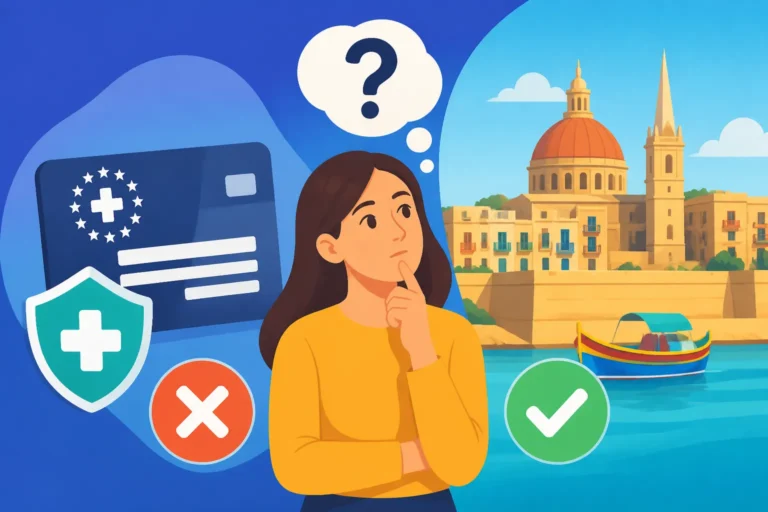
The most important thing to understand is that you cannot simply "sign up" for myHealth with an email and a password. In Malta, your digital life is tethered to your eID (Electronic Identity). This is managed by Identità and is linked directly to your physical residence card. If you haven't yet received your plastic card, you are effectively locked out of the portal. Many new arrivals get frustrated because they try to register the day they land. Unfortunately, you have to wait for the bureaucracy of Getting Your Maltese ID Card Number: The Key to Accessing Healthcare to finish its cycle first.
What You Can Actually Do Once Registered
Once you have access, the portal becomes your primary tool for interacting with the public health system. You can view your "Electronic Health Record," which includes discharge summaries if you’ve ever been admitted to Mater Dei. It also allows you to "link" with a specific private family doctor or a state GP. This link is vital because it gives your doctor permission to view your records and upload new information, ensuring that your care is coordinated across both public and private sectors. For a deeper look at managing your digital health, see What Can I Do on Malta's myHealth Online Service?.
Step-by-Step Guide to Registering for myHealth
The registration process is theoretically simple, but as any veteran expat will tell you, the devil is in the details. Before you even open the myHealth website, ensure you have your eID credentials ready. These are the username (usually your ID card number ending in A, L, or G) and the password you set up at the Identità office when you gave your biometrics.
Initial Login and Profile Activation
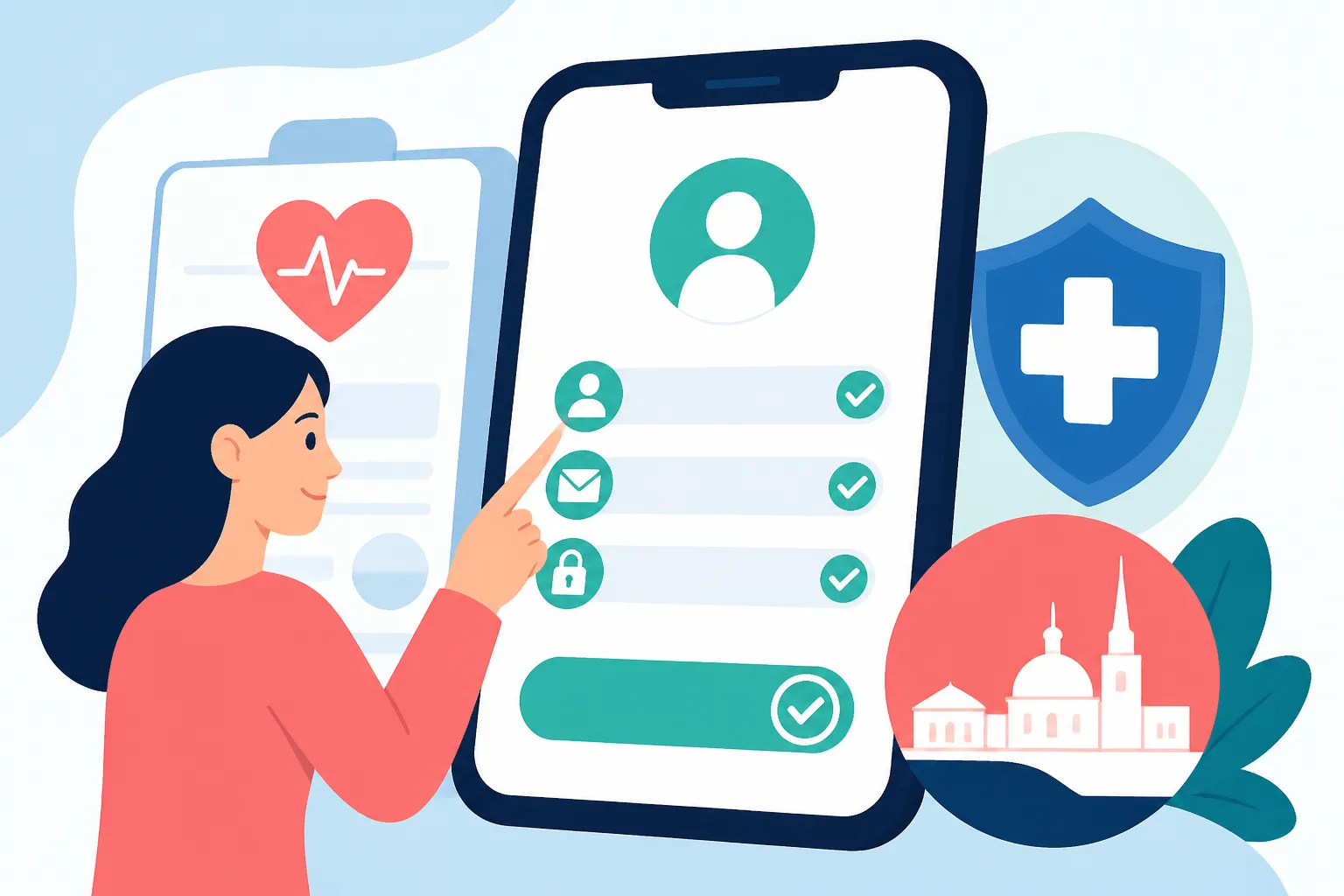
First, visit the official myHealth website. You will see a prominent login button that redirects you to the central government eID gateway. Enter your credentials there. On your first login, the system will ask you to verify your contact details, specifically your mobile number and email address. Do not skip this! This is how the system sends you notifications when a new test result is ready. If you are still waiting for your formal entitlement to be processed by the government, you might find Can I See a Doctor in Malta Before My Health Entitlement Is Approved? helpful to understand your status in the interim.
Linking Your Doctor: The Most Important Step
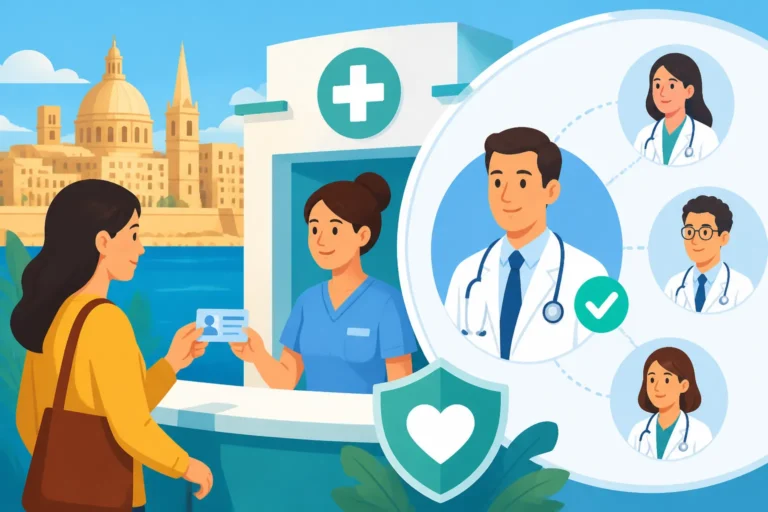
After you have logged in, the dashboard will look somewhat empty until you "link" a doctor. This is a specific Maltese quirk. You can search for your preferred General Practitioner by their name or medical registration number. Once you select them, you are essentially giving them a digital key to your health locker. Many expats use private GPs for speed but rely on the public system for expensive tests or surgeries. By linking your private GP on myHealth, they can see the results of the tests you had done at Mater Dei, saving you the hassle of printing out papers and carrying them to your appointment. This is a key part of Registering with a Health Centre and Choosing a GP in Malta.
Troubleshooting Common Registration Errors
Sometimes, the system will tell you that your "Identity could not be verified." This usually happens if there is a mismatch between the data held by the Health Department and the data held by Identità. If you recently moved house or renewed your permit, the sync might take a few weeks. In these gaps of coverage, having a backup plan like SafetyWing is a lifesaver. While you are fighting with the portal or waiting for your eID to be activated, SafetyWing provides that essential safety net so you aren't left paying massive out-of-pocket fees if an emergency strikes before the Maltese system recognizes you.
| Feature | myHealth Portal (Public) | Private Healthcare Apps |
|---|---|---|
| Cost | Free for residents | Varies by clinic |
| Public Hospital Records | Yes, full access | No access |
| Specialist Referrals | Viewable online | Usually via email/paper |
| Pharmacy/POYC Link | Yes | No |
| Lab Results | Mater Dei results only | Private lab results only |
Navigating the Portal and Managing Test Results
Once you are successfully registered, the "My Records" section will become your most visited page. This is where the magic happens—or at least, where the paperwork disappears. In the past, you had to wait for a letter in the mail or visit a health center just to find out your blood work was "normal." Now, the data is pushed to your portal as soon as the lab tech hits "save."
How to Find and Interpret Results
Under the "Laboratory Results" tab, you will see a list of every test performed in the public system. It is important to note that the portal doesn't give you a medical diagnosis; it gives you the raw data and reference ranges. This is why linking your doctor is so important. They get an alert when your results are in, and they can then use the portal to send you a secure message or call you to discuss the findings. This streamlined process is a major part of Booking Appointments and Using myHealth Online in Malta.
Managing Your Pharmacy of Your Choice (POYC)
For those with chronic conditions, the POYC scheme is a godsend, providing free medication through local pharmacies. The myHealth portal allows you to see exactly what has been prescribed to you and when you are due for your next collection. It prevents those awkward moments at the pharmacy counter where the pharmacist tells you that your "yellow card" or "pink card" hasn't been updated in the system yet. If you are unsure about how to get your medications for free, read up on The POYC Pharmacy of Your Choice Scheme: How to Collect Free Medicines.
Using the myHealth Portal for Referrals
If you need to see a specialist, your GP will issue an electronic referral. In the old days, this was a physical paper that often got lost in the bottom of a handbag. On myHealth, you can track these referrals. You can see when the specialist at Mater Dei has received the request and, eventually, the date and time of your appointment will appear in your "My Appointments" calendar. This transparency helps reduce the anxiety of the often-long waiting lists in the public sector. To understand how this works in practice, see How the Specialist Referral System Works in Malta's Public Hospitals.
Important Considerations for New Residents and Expats
While the myHealth portal is a fantastic tool, it is not a "plug-and-play" solution the moment you land at Luqa airport. There are several administrative hurdles you must clear before you can even think about registering. Malta's healthcare system is based on social security contributions, and the digital portal is the final layer of that complex cake.
The Waiting Period and Coverage Gaps
From the day you apply for your residence permit to the day you actually have a working eID and an active myHealth account, several months can pass. During this "administrative limbo," you are technically a resident but practically invisible to the digital health system. This is precisely when a solution like SafetyWing becomes invaluable. I've known expats who assumed they were covered the moment they signed their work contract, only to find themselves in a billing dispute at the hospital because their eID wasn't yet active. SafetyWing acts as your bridge, ensuring you have professional support while the Maltese gears grind slowly toward your registration.
Language and Accessibility
The myHealth portal is available in both Maltese and English, which is a huge relief. However, keep in mind that clinical notes written by doctors might still contain Maltese medical jargon or abbreviations. If you find yourself confused by what you are reading on your dashboard, you might want to look into Can I See a Doctor in English in Malta? to find a practitioner who can explain your digital records clearly.
Data Privacy and Security
Because the portal is tied to your eID, it uses "Level 2" authentication. This is similar to online banking. You should never share your eID password with anyone, not even your landlord or your HR department. If you lose your ID card, you should report it immediately to Identità to freeze your digital identity. Keeping your medical data secure is paramount, especially when you are using public Wi-Fi in places like Sliema or St. Julian's. Using a VPN and ensuring you have your own private health backup, like SafetyWing, adds layers of security to your physical and digital well-being.
Final Steps for a Smooth Registration
To ensure your registration goes off without a hitch, I recommend a "pre-flight check." Before you sit down to register, make sure your eResidence card is physically in your hand and that you have successfully logged into the main Maltese Government Portal at least once. If you can log into the main portal, you are 90% of the way there.
If the myHealth site refuses your login, check your status with the Entitlement Unit. Sometimes, the health system needs a manual nudge to realize that you are now a tax-paying resident entitled to care. You can find out more about this specific hurdle in How to Register for Health Entitlement with the Entitlement Unit in Malta. Once that link is established, your myHealth portal will suddenly spring to life, showing you a history you didn't even know was being recorded.
Navigating life in Malta is all about knowing which digital doors to knock on. The myHealth portal is the most important door for your physical well-being. It takes a bit of "Maltese patience" to get the eID sorted, but once you are in, the convenience of checking your health from a sun lounger in Mellieħa makes the initial paperwork headache well worth it. And remember, while the government sorts out your digital profile, don't leave your health to chance; keeping SafetyWing in your back pocket ensures that no matter how long the portal takes to load, you are always protected.
Disclaimer
The information provided in this guide is for informational purposes only and does not constitute legal or medical advice. Healthcare regulations and digital portal requirements in Malta are subject to change. Always verify the latest procedures with the Ministry for Health or Identità Malta. Individual entitlement to public healthcare depends on your specific residency status and social security contributions.